Rodrigo Girão Serrão

Job Role

Flag of Portugal
Rodrigo Girão Serrão

Role Summary

Lorem ipsum dolor sit amet, consectetur adipiscing elit. Praesent finibus at arcu quis rhoncus. Donec diam libero, lobortis a egestas vel, suscipit ut arcu. Phasellus in interdum dolor, mollis porttitor sem. Morbi ornare, nunc nec interdum aliquet, nisl mauris vulputate felis, vel feugiat nunc ipsum vitae nibh. Duis tristique augue vitae erat vulputate, eget varius lectus placerat. Morbi pharetra congue nunc ac consectetur.


Biography

Lorem ipsum dolor sit amet, consectetur adipiscing elit. Praesent finibus at arcu quis rhoncus. Donec diam libero, lobortis a egestas vel, suscipit ut arcu. Phasellus in interdum dolor, mollis porttitor sem. Morbi ornare, nunc nec interdum aliquet, nisl mauris vulputate felis, vel feugiat nunc ipsum vitae nibh. Duis tristique augue vitae erat vulputate, eget varius lectus placerat. Morbi pharetra congue nunc ac consectetur.
Maintaining Py’n’APL Part 2: APL Arrays, Python Objects, and JSON

As part of the bigger, overarching refactoring goal of making Py’n’APL great again, I refactored some of the code that deals with sending data from... Read

Maintaining Py’n’APL Part 1: The Beginning

Py’n’APL is an interface between APL and Python that allows you to run Python code from within APL and APL code from within Python. This interface... Read
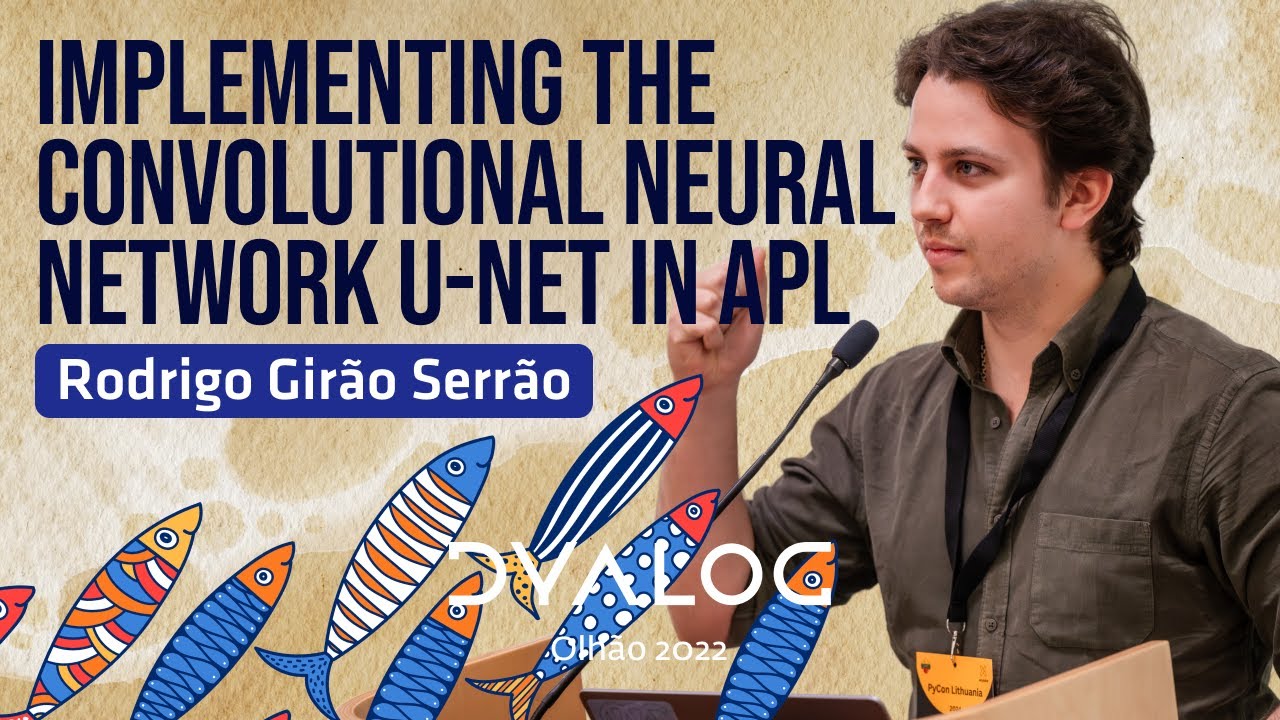
Implementing the Convolutional Neural Network U-Net in APL

Implementing the Convolutional Neural Network U-Net in APL

The U-Net architecture is a well-known convolutional neural network, particularly in the field of machine learning, where it is commonly used for tasks such as image segmentation. In this presentation, 00:00 Introduction 02:26 What is a U-net Convolu...View

/

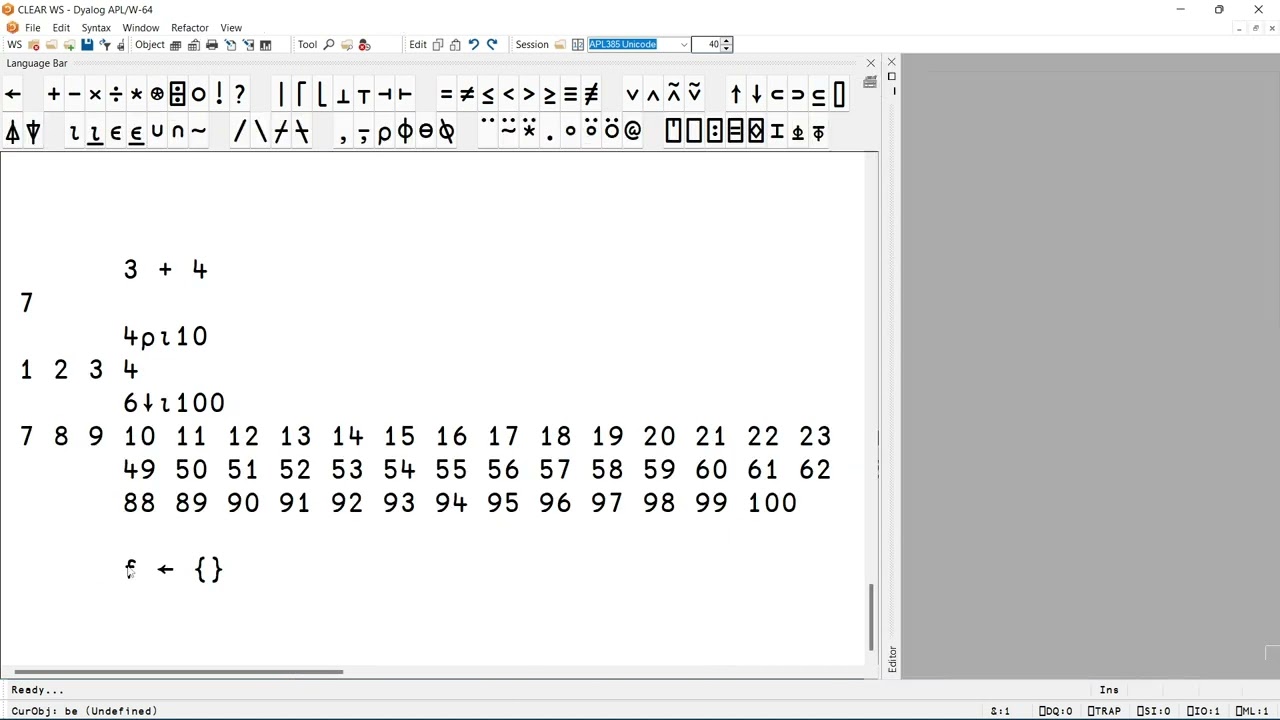
Using the Language Bar in the Dyalog APL IDE

Using the Language Bar in the Dyalog APL IDE

In this video, Rodrigo shows you how to work with the language bar, answering a few questions: - What is the language bar? - Where can I find the language bar? - How do I use it? - How can I customise it? - How can I change its font size? And,...View

/

Useful (Keyboard) Shortcuts in the IDE for Dyalog APL

Useful (Keyboard) Shortcuts in the IDE for Dyalog APL

In this video, Rodrigo shows you some useful (keyboard) shortcuts to be aware of: - You can use Ctrl + Shift + Backspace to go back to previous lines you entered and you can use Ctrl + Shift + Enter to go forward again. - You can use Shift + Esc t...View

/

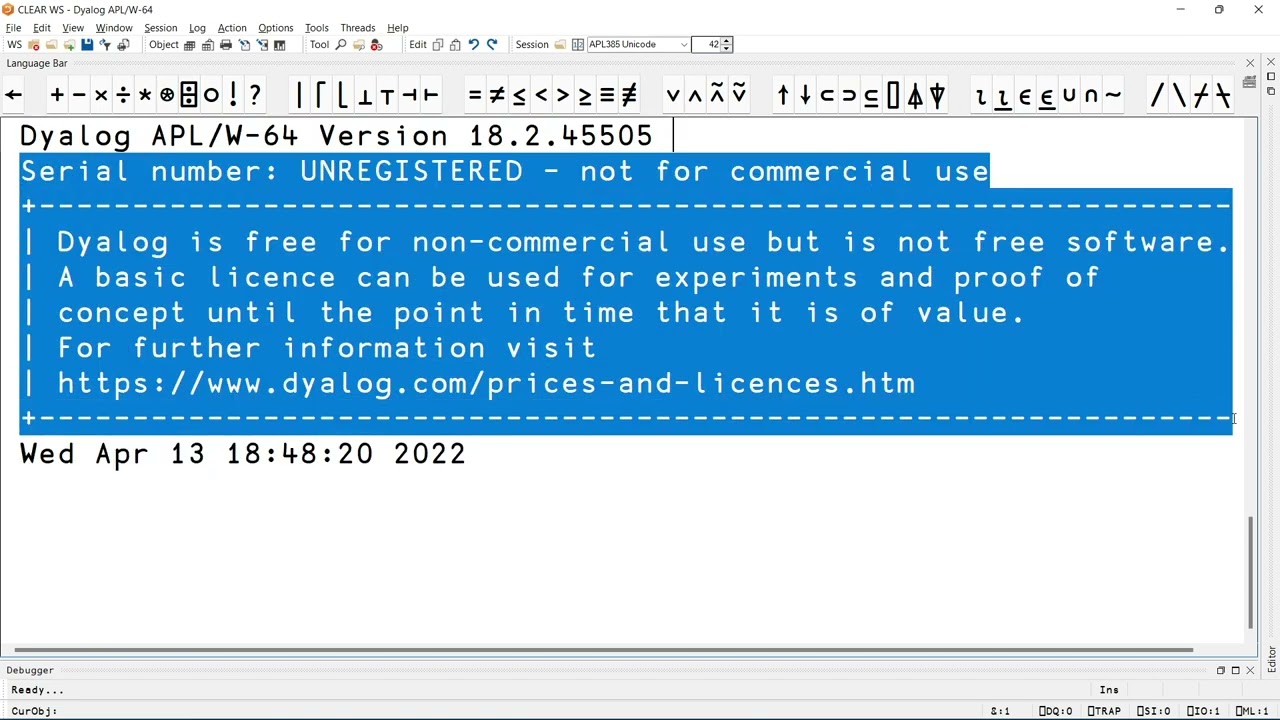
Overview of the Dyalog IDE for Microsoft Windows

Overview of the Dyalog IDE for Microsoft Windows

In this video, Rodrigo covered the 7 main components that make up the Windows IDE for Dyalog: 1. the menu; 2. the toolbar; 3. the language bar; 4. the session; 5. the editor window (on the right); 6. the debugger window; 7. the status bar --...View

/

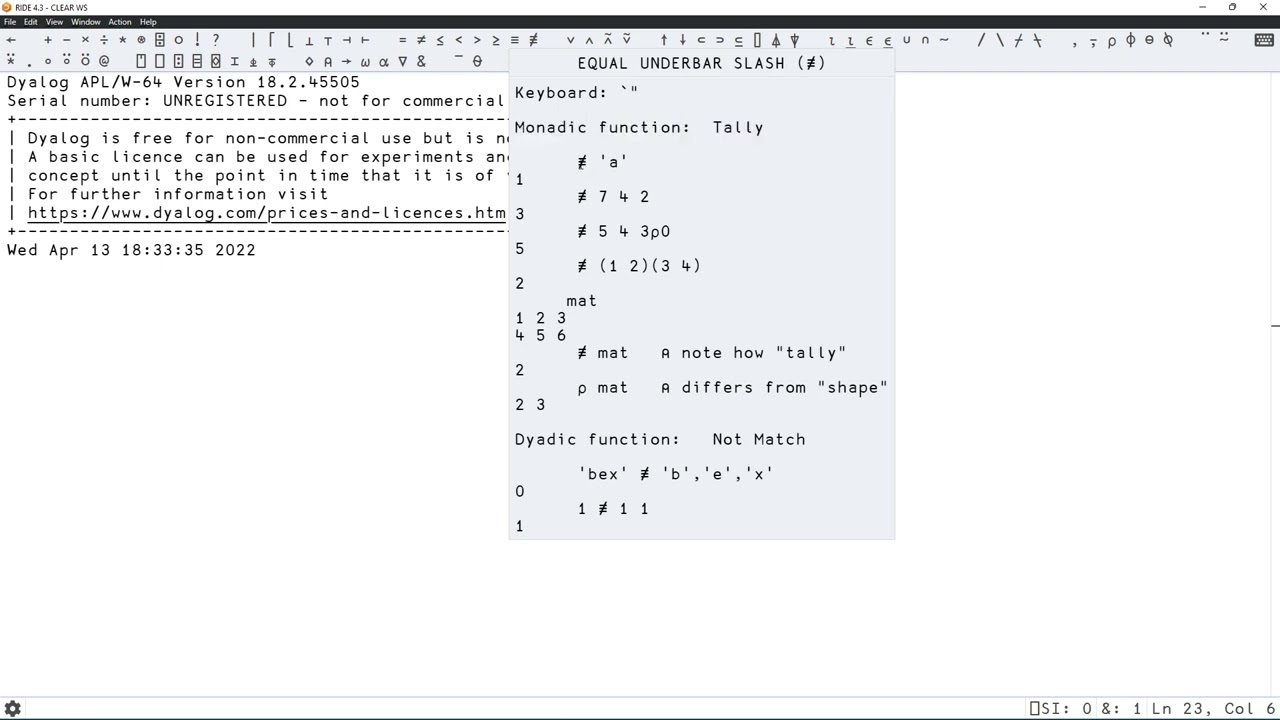
Overview of RIDE - Remote IDE for Dyalog APL

Overview of RIDE – Remote IDE for Dyalog APL

In this video, Rodrigo covered the 6 main components that make up the Remote IDE for Dyalog: 1. the menu; 2. the language bar; 3. the session; 4. the editor window (on the right); 5. the debugger window; 6. the status bar --------------------...View

/

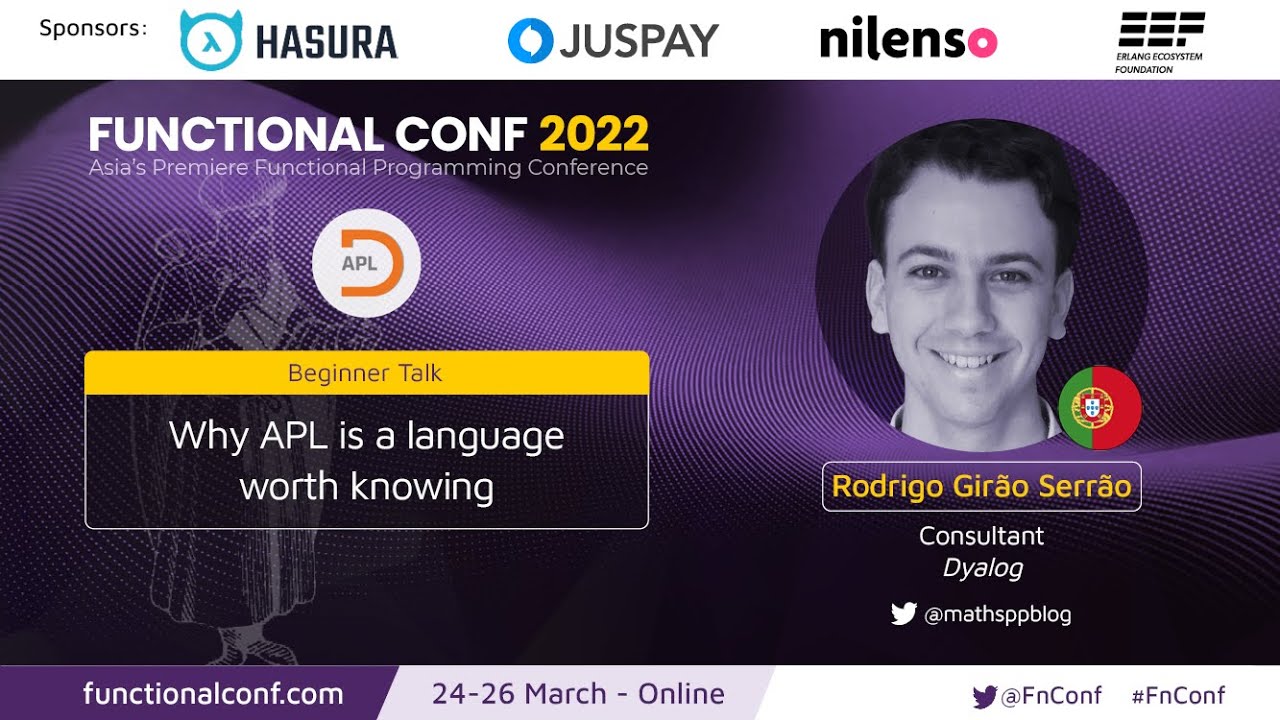
Why APL Is a Language Worth Knowing

Why APL Is a Language Worth Knowing

'A language that doesn't affect the way you think about programming, is not worth knowing.' ― Alan Perlis, in 'Epigrams in Programming' Following Alan Perlis's words, this talk will show why APL is a language worth knowing. In other words, I will d...View

/

Meet the Dyalog Team

We’re a small team spread across half a dozen countries, united by a shared belief that powerful software doesn’t have to be complicated. A lot of us have been here for years, some for decades, because there’s still no shortage of interesting problems to solve.

Andy Shiers
Andy
Chief Operations Officer
Flag of the United Kingdom
John Daintree
John
Chief Architect
Flag of the United Kingdom
Asher Harvey‑Smith
Asher
Developer
Flag of the United Kingdom
Silas Poulson
Silas
Core Developer
Flag of the United Kingdom

…or perhaps even join the team!